Widgets, Live Activity, Siri and Apple Watch
Confirm doses without opening the app, on the parent's phone and wrist.
Siri, Apple Watch and the Lock Screen confirm are set up on your parent’s own phone, after it joins with an invite code. They only confirm the doses that are due now, for that one person. The widget works on any phone with peaflow.
Siri
Say “Hey Siri, I took my pills in peaflow”. Siri marks the doses that are due now as taken and says what it recorded.
Apple Watch
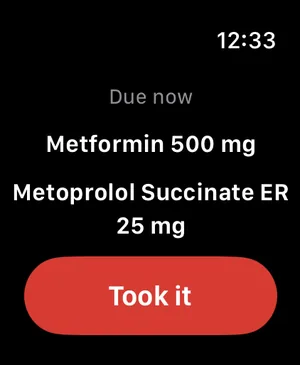
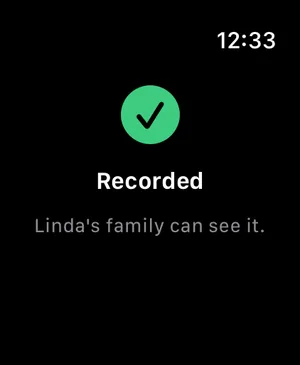
The peaflow Watch app shows what’s due now with a large button to confirm. When nothing’s due, it says so.
Lock Screen and Live Activity
When a dose is due, the Lock Screen can show it as a Live Activity, and it can be confirmed right there.
The Next dose widget
The Next dose widget shows the next dose and today’s doses as pills. It comes in small and medium sizes for the Home Screen, and two sizes for the Lock Screen.
To add it, touch and hold an empty spot on the Home Screen (or the Lock Screen), tap Edit → Add Widget, and choose peaflow.
Did this answer your question?
Thanks for letting us know. If something's missing, email support@peaflow.com.